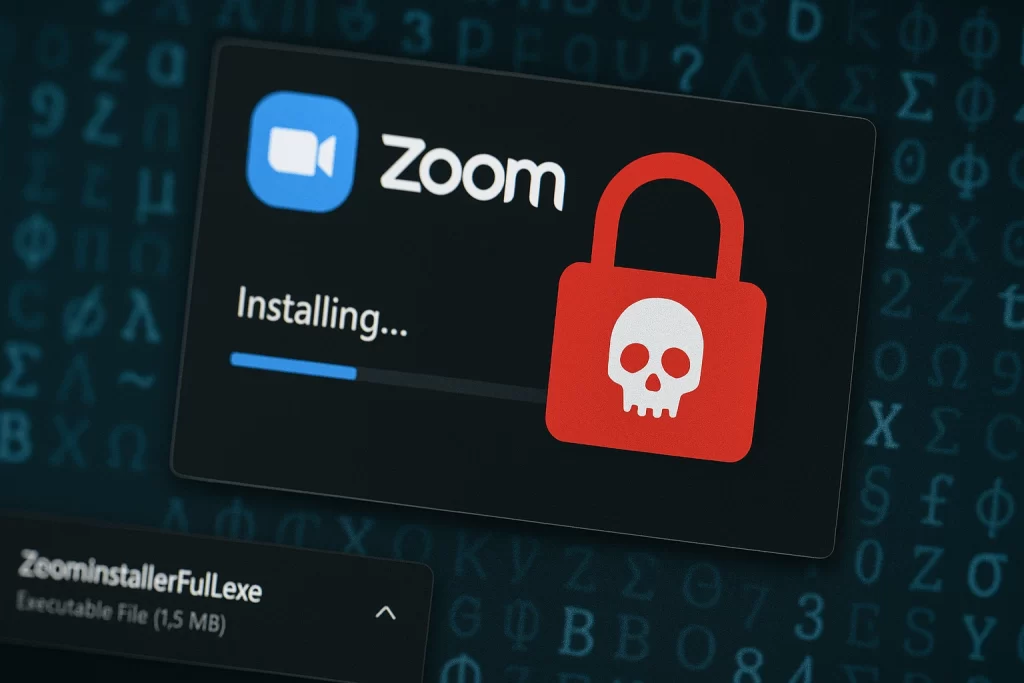
In a troubling new cybercrime campaign, hackers are deploying fake versions of the popular Zoom video conferencing app to steal sensitive personal data — including login credentials and cryptocurrency wallets. This scheme marks yet another evolution in phishing tactics, with attackers mimicking trusted software to target unsuspecting users.
A Familiar App With a Dangerous Twist
Security researchers have discovered several fake Zoom installers being distributed through deceptive websites and ads. While these apps appear legitimate, they contain powerful infostealer malware, specifically strains like LummaC2 and Redline Stealer. Once downloaded and launched, the malware quietly gets to work collecting valuable information from the victim’s system.
These malicious files are typically .exe installers designed for Windows, the most targeted platform in this campaign.
What the Malware Steals
The goal of this campaign is broad data theft. Once installed, the fake Zoom apps begin siphoning:
- Login credentials saved in web browsers
- Cryptocurrency wallets and browser-based extensions like MetaMask and Exodus
- Clipboard content, which may include copied passwords or wallet keys
- System and network information for profiling the victim
This data is then exfiltrated to attacker-controlled servers, potentially enabling further attacks or financial theft.
Who Is Behind It?
While attribution in cybercrime is rarely conclusive, evidence points to organized threat groups operating infostealer-as-a-service models. These groups use malware like LummaC2 and Redline, which are available for rent on dark web forums, allowing less technical criminals to launch sophisticated campaigns.
How to Protect Yourself
With attackers now targeting widely used platforms like Zoom, it’s critical to follow cybersecurity best practices:
Only Download Zoom from the Official Website
The legitimate Zoom installer is available on their official website. Avoid downloading the app from unofficial third-party sites or clicking links from unverified sources.
Use Antivirus and Antimalware Tools
Modern antivirus solutions offer real-time protection that can detect and block infostealers before they compromise your system.
Protect Your Crypto Assets
If you use browser-based wallets, consider switching to hardware wallets for higher security. Never store private keys in plaintext or clipboard history.
Don’t Store Passwords in Your Browser
Browser-stored credentials are easy targets. Use a dedicated password manager with strong encryption.
Keep Software Updated
Ensure that your browser, operating system, and security tools are always up to date to reduce vulnerabilities.
Final Thoughts
This fake Zoom campaign is a stark reminder that cybercriminals are constantly evolving their tactics. Hacker can weaponize even trusted applications to lure victims. By staying vigilant and adopting strong security habits, users can protect themselves from becoming the next target.
