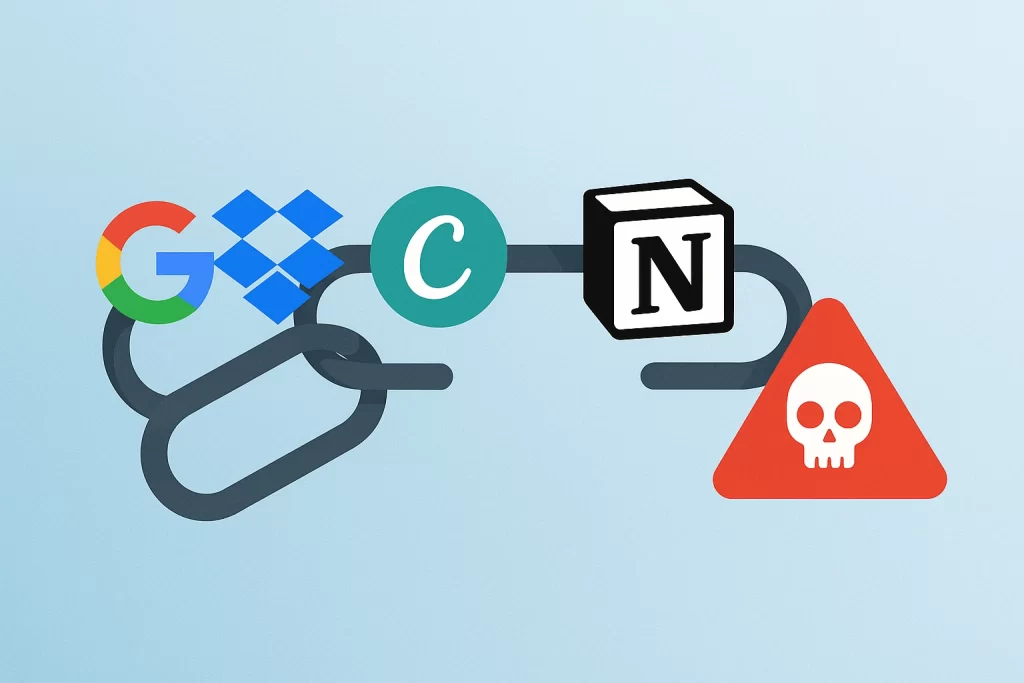
Cybercriminals are using an increasingly deceptive tactic known as chainlink phishing, where they build a chain of seemingly harmless links that ultimately leads to a phishing site. This method allows attackers to bypass security filters, abuse the reputation of major online services, and trick even cautious users into visiting malicious pages.
What Is Chainlink Phishing?
Chainlink phishing describes a chain of redirects through legitimate domains, crafted to mask a malicious destination. Each link in the chain uses a reputable service like Google Drive, Dropbox, Canva, Adobe, or Notion to host content or handle redirection. These services aren’t compromised, they’re simply being used in a way that evades detection.
The final target? A phishing site designed to steal credentials, deliver malware, or trick users into providing sensitive information.
How the Attack Works
Attackers start by creating or uploading benign-looking files, web pages, or redirects to platforms people already trust. These could include:
- A shared PDF or DOC hosted on Google Drive
- A presentation embedded in Canva
- A public page created in Adobe Express
- A tutorial or document link generated via Scribe
- A redirect chain originating from a Dropbox or Notion link
These platforms are then used to forward users, sometimes through multiple steps, to a phishing page. By the time the user reaches the final destination, they’ve already passed through one or more trusted URLs, which lowers their suspicion, and often defeats email filters or security software.
Why It’s So Effective
This method is successful because each link in the chain comes from a domain with a strong reputation. Email providers, security scanners, and even corporate firewalls often allow these links through by default. For example, a phishing email containing a Google Drive link is far less likely to be flagged than one linking directly to a suspicious domain.
Additionally, many platforms, especially those offering public file sharing or page creation, don’t tightly control what content users upload. This opens the door for attackers to store or host redirect mechanisms and phishing templates with minimal resistance.
Who Is at Risk?
Unlike phishing campaigns that target crypto wallets or specific tech communities, chainlink phishing casts a wide net. Anyone using email, cloud storage, or document-sharing tools can become a target. These attacks are often disguised as:
- Invoice or payment notifications
- “You’ve been mentioned” or “new document shared” alerts
- Security or password change requests
- Invitations to view designs or reports
They’re especially dangerous in business settings, where links to documents and platforms like Canva, Google Docs, or Dropbox are part of daily workflow.
Mitigation and Best Practices
Defending against chainlink phishing requires both user awareness and smarter filtering tools. Some key precautions include:
- Inspect links carefully, especially those that seem overly complex or use multiple redirects.
- Hover before you click. On desktop, check where a link actually leads by hovering over it before clicking.
- Be wary of file-sharing links from unknown or unexpected sources, even if they appear to be hosted on trusted platforms.
- Avoid entering credentials or downloading files unless you’re certain of the sender’s identity and intent.
Organizations should consider security tools that parse and analyze redirect chains, not just the initial URL.
Final Thoughts
Chainlink phishing reflects the next evolution in online deception. By stringing together multiple trustworthy services, attackers make their phishing pages harder to detect and easier to trust. As more work and communication move through cloud platforms, it’s crucial that individuals and organizations stay vigilant, not just about where a link ends, but how it gets there.
