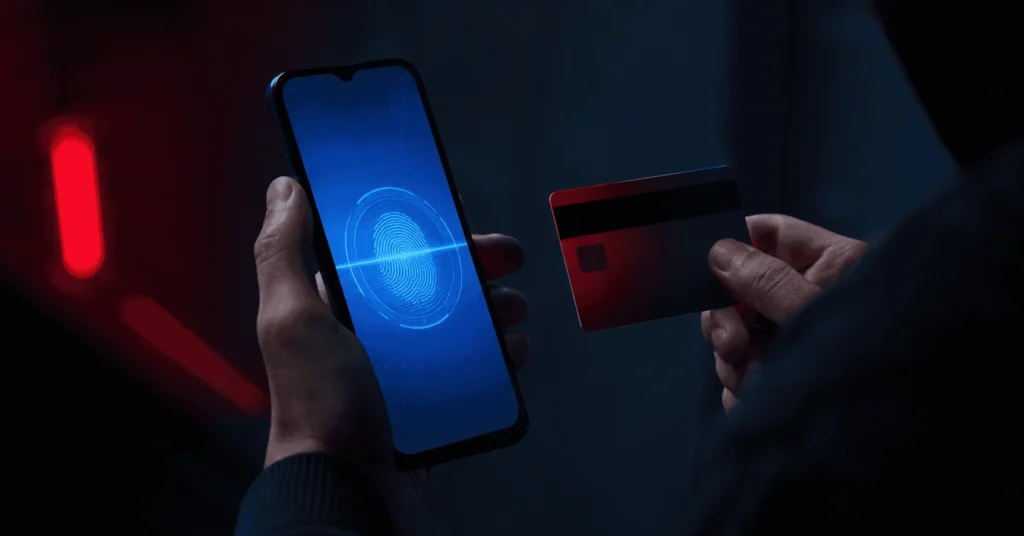
A strain of Android malware called NFCShare is spreading through fake banking app updates, and it has a particularly deceptive trick up its sleeve. Rather than stealing card details through a data breach or a keylogger, it uses your phone’s own near-field communication chip against you. The NFCShare Android malware campaign has expanded significantly since mid-May 2026, now targeting customers at multiple banks across Italy and Spain.
How the Attack Works
The attack starts with a phishing website designed to look like a legitimate bank. Victims land on these pages, enter their banking credentials, and are then told their app needs an urgent update. That “update” is a malicious APK file hosted on a GitHub repository, not a real app store.
Once installed, the fake app displays what appears to be a standard security verification screen. It asks the user to hold their payment card close to the phone. This is where the real theft happens. The app reads the card’s data using a feature of Android called IsoDep, combined with EMV commands, which are the same standard protocols used by payment terminals worldwide.
So within seconds, the malware has captured the card number, card type, expiry date, and a four-digit PIN the victim entered as part of the fake verification step. All of that information travels to the attacker’s server over an encrypted WebSocket connection.
What Happens to the Stolen Card Data
The stolen data does not sit idle. Attackers use it in what are known as NFC relay attacks. Here is how that works: the attacker loads the stolen card details onto their own device and uses it to make contactless payments at physical terminals, as if they were holding the real card. The victim’s card is effectively cloned in real time, without the physical card ever leaving their wallet.
This method has appeared in several other Android malware campaigns in recent years, including NGate, SuperCard X, and RelayNFC. NFCShare shares the same general concept but uses distinct code, different libraries, and its own architecture. Researchers who analyzed the malware noted it could still be connected to the same criminal ecosystem behind those earlier tools, however that link has not been confirmed.
NFC relay attacks are also a growing problem more broadly. Security researchers tracked more than 35,600 blocked attacks from Android malware families using NFC techniques in just the first four months of 2026 alone. That figure represents a 188% increase compared to the same period in 2025.
GitHub as a Malware Hosting Platform
One of the more notable aspects of this campaign is the use of GitHub to host the malicious files. GitHub is a trusted platform used by developers worldwide, so links to it rarely trigger suspicion. Attackers created a repository on April 10, 2026 and have since used it to distribute 56 unique malicious APKs impersonating well-known banks.
The fake apps targeted customers of institutions including Intesa, Banca Sella, Nexi, Fideuram, Mooney, and CaixaBank. The names closely mirror real app names, making them easy to mistake for legitimate downloads.
NFCShare Android Malware Has Been Evolving Fast
When researchers first documented NFCShare in January 2026, it was targeting only Deutsche Bank customers in Germany. The jump to multiple banks across Italy and Spain in just a few months shows how quickly this threat has expanded its scope.
The newer variants also include a technical trick designed to slow down security researchers. The malicious APK file is still a standard ZIP archive at its core, but the attackers have added corrupted file paths inside it. Some automated analysis tools misread these paths as real filesystem locations and produce errors. This does not stop a skilled analyst from examining the code manually, but it does add friction for automated detection systems.
How to Protect Yourself
The good news is that avoiding this attack is straightforward if you know what to watch for. Android users should only install banking apps directly from the Google Play Store. No bank will ask you to download an update from a link, a GitHub page, or any external site. That is a red flag regardless of how convincing the website looks.
Enabling Google Play Protect on your device adds another layer of defense, as it scans installed apps for known threats. Also, be cautious any time an app asks you to place your physical bank card near your phone. Legitimate banking apps do not require this. If a screen prompts you to tap your card to your device for “verification,” close the app immediately.
Final Thoughts
The NFCShare Android malware campaign is a sharp reminder of how social engineering and technical exploitation work together. The fake update prompt looks routine. The verification screen looks official. But behind both is a theft operation designed to drain payment cards without the victim ever realizing it. As NFC-based attacks continue to grow across Europe, knowing how these scams are set up is one of the most practical defenses available.
